
12VSBV3 Soundbar Input Volume ReduceUpdated 6 months ago
ENGLAON 12VSBV3 Soundbar
Input Announcement Volume Patch Guide
⚠️ Important – Please Read First
Some customers may notice that when pressing the INPUT button, the announcement volume may be louder than expected.
This patch reduces the announcement volume to approximately 10%, creating a more comfortable level.
If you are satisfied with the current announcement volume, no action is required.
This patch:
• Adjusts announcement volume only
• Does NOT affect normal audio playback
This is a configuration patch, not a full system software upgrade.
What You Will Need
Before starting, please prepare:
• A USB flash drive (Maximum 32GB) (ENGLAON does not supply USB drives.)
• USB drive formatted to FAT32
• A computer or laptop with internet access
• Download file: fw5000.upd (The file must be transferred using a USB drive)
• Your 12VSBV3 soundbar
Step 1 – Prepare the USB Drive
1.Insert the USB drive into your computer.
2.Confirm the USB drive is formatted to FAT32.
3.Download the file 12VSBV3.zip to your computer.
4. Extract the ZIP file on your computer.
5.Locate the file named fw5000.upd inside the extracted folder.
6. Copy fw5000.upd directly onto the USB drive.
⚠️ Important:
• The file must NOT be placed inside a folder
• The file name must remain exactly: fw5000.upd
• Ensure there is only one fw5000.upd file on the USB drive
• Do NOT copy the ZIP file itself to the USB
Step 2: Install the Patch (Installation Video)
Turn on the soundbar by pressing the Power button.
Switch the soundbar to USB playback mode.
Insert the prepared USB drive into the soundbar.
The soundbar will automatically detect the patch file and begin installation.
⚠️ During installation
• Do NOT remove power
• Do NOT remove the USB driveWait approximately 5 seconds.
When the LED display shows “--”, the installation is complete.
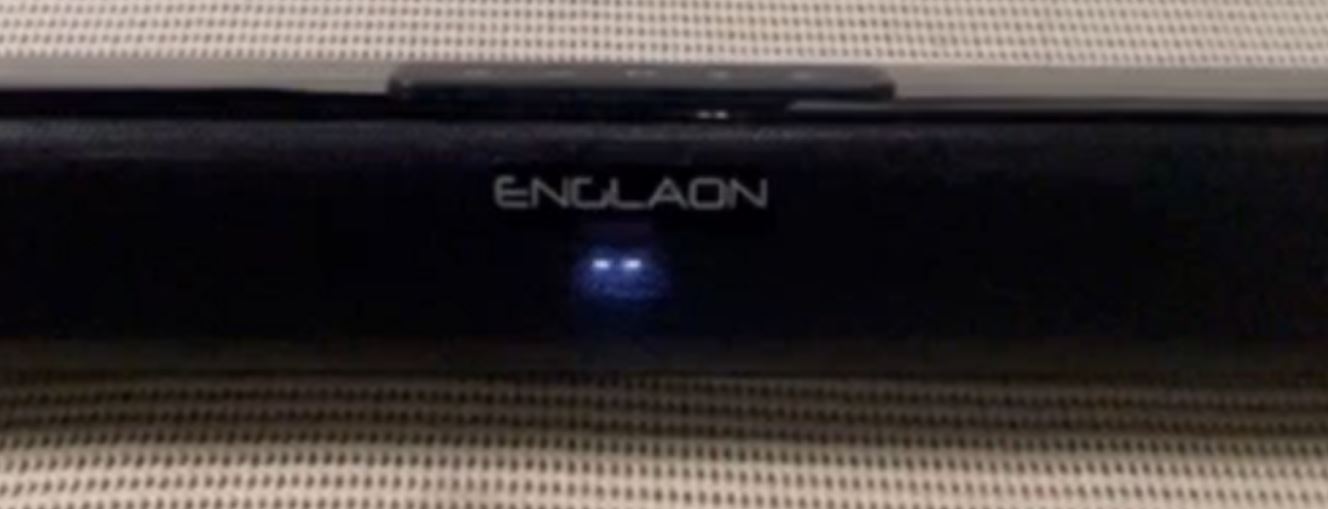
Remove the USB drive.The Input Announcement Volume Patch is now installed.
Troubleshooting: The Patch Will Not Start
If nothing happens after inserting the USB, please check:
• USB drive is 32GB or smaller
• USB is formatted to FAT32
• File name is exactly: fw5000.upd
• File is not inside a folder
• Soundbar is set to USB mode
• The ZIP file has been extracted correctly
If the issue persists, please contact ENGLAON Support ([email protected]) and provide your soundbar model and a photo of the USB file location.